
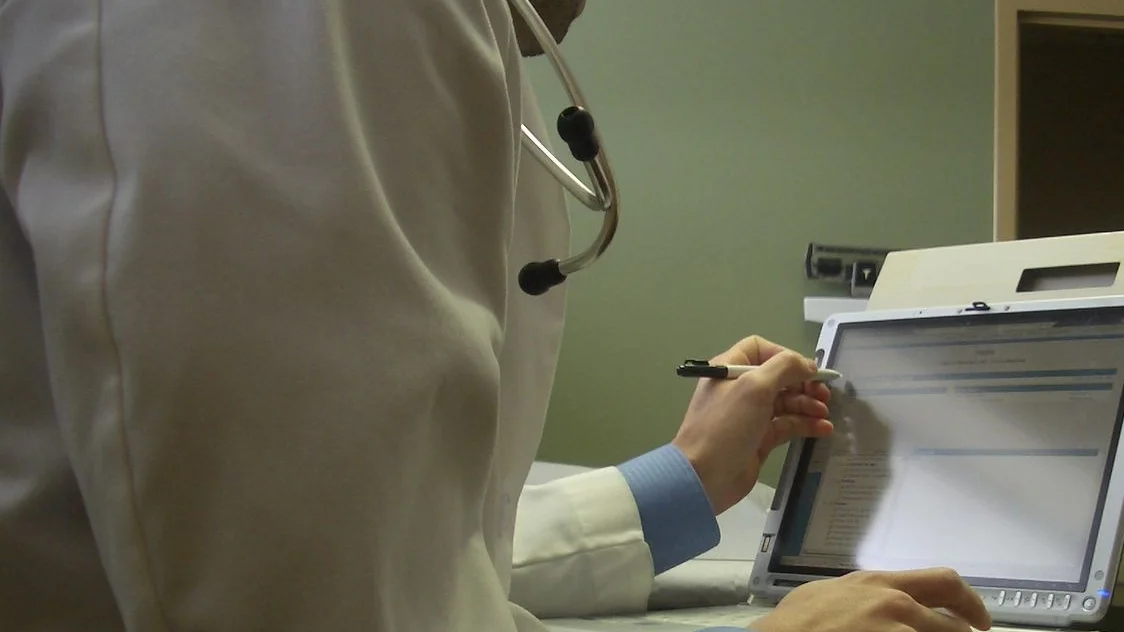
Our (Your!) patient portal is an online interface that connects with our electronic medical records in a secure way to allow you access to view parts of your own record, such as your medication list, recent lab values, problem list, allergy list, etc. Our vendor is evolving this product and it will continue to improve, so keep watching!
To LOGIN (after registering, see below to register):
1. Click the Portal Login link : Portal Login
TO REGISTER (established patients only):
1. Provide our office with your email address. We prefer to do this through a phone call or in person for security.
2. Once your email has been entered into our system, it will send you an activation email. Click the link in the email.
3. Enter and confirm a password. At this point your account is activated. It will ask you for a date of birth. If you run into an error at this step, most of the time it means we don’t have your email in our system. At that point give us a call at 810-635-4476 so we can link your chart to your email. We prefer this through a phone call or in person. Just tell the receptionist you need to add an email to your chart so you can access the portal.
Quisque iaculis facilisis lacinia. Mauris euismod pellentesque tellus sit amet mollis.